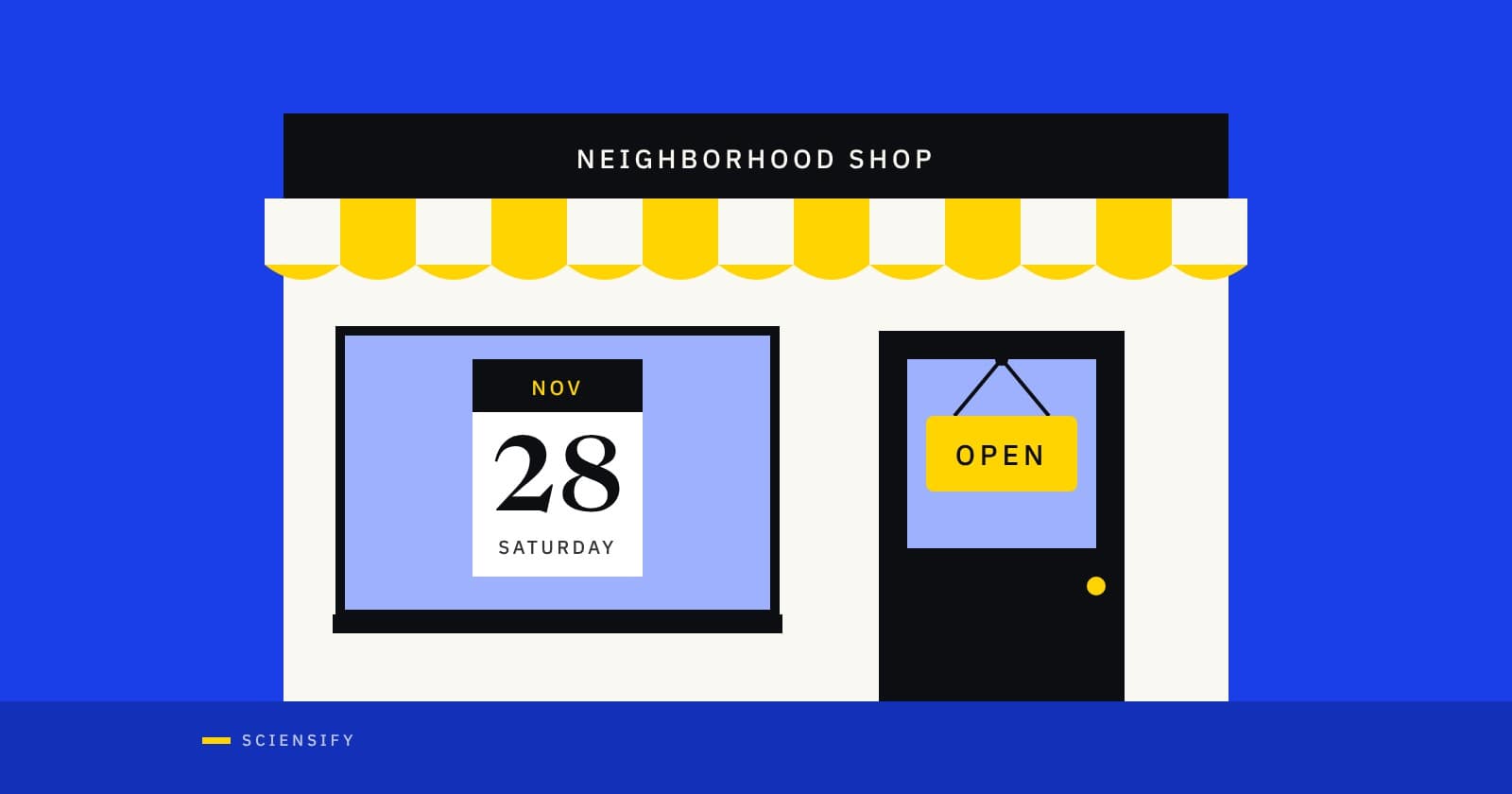
Small Business Saturday falls on November 28, 2026, the Saturday after Thanksgiving, according to American Express, which started the day in 2010. You have six days. Every idea below is free or close to it, and a team of one to ten people can finish most of them before Wednesday.
- Small Business Saturday
- Nov 28
- American Express
- Holiday sales forecast
- $1.013 trillion
- NRF, Nov and Dec
- Shoppers buying small
- 1 in 5
- NRF survey
Some context from the National Retail Federation: NRF forecasts that November and December retail sales will grow 4.2% over 2025, to $1.013 trillion. Its October survey found one in five holiday shoppers plan to buy gifts at small or local businesses, and 71% of those shoppers say supporting their community is a reason.
1. Download the free Shop Small materials
The Shop Small Resource Hub offers free downloadable marketing materials such as social media posts and printable posters. You pay only for printing. You do not need to accept American Express cards to download them. Print a window sign today and schedule two social posts for the week.
2. Check whether you can appear on the Shop Small Map
If you accept American Express, your business may qualify for the free Shop Small Map. For 2026, Amex lists limits such as up to $7 million in yearly Amex charge volume and up to 25 locations, and online sellers can appear in its Online Directory. Amex says map updates can take two to three business days to verify, so log in and check your listing on Monday.
3. Set holiday hours on Google
On your Google Business Profile, choose Edit profile, then Hours, then Special hours. Google's help page says special hours cover holidays and events, and suggests confirming your hours for official holidays even when they match your usual ones. Set Thanksgiving, Black Friday and Saturday now so nobody drives to a locked door.
4. Post your Saturday offer or event on Google
Business Profile posts come in three types: updates, offers and events. An offer needs a title, dates and times, gets a View Offer button automatically, and can carry a coupon code. You can schedule a post ahead of time, so write it today and set it to go live on Friday.
5. Add fresh photos
Google recommends JPG or PNG photos between 10 KB and 5 MB, ideally 720 by 720 pixels, in focus and without heavy filters. An exterior photo helps customers recognize you when they arrive. Add your holiday window, your best sellers and your team. Photos appear only on a verified profile.
6. Update your Apple Maps place card
Apple Business Connect is now called Apple Business. Its location guide lets you add holiday open or closed hours. A showcase can highlight a deal with a button, but Apple reviews each one and that can take up to three calendar days, so submit it by Tuesday.
7. Make reviews easy to leave
In your Business Profile, choose Read Reviews, then Get more reviews, to copy a review link or download a QR code. Google suggests putting it on receipts, in thank you emails and on a printed sign in your store. The QR code can be made only on a computer browser. Ask every customer, not only the happy ones: Google notes that a mix of positive and negative feedback often feels more trustworthy.
8. Keep reviews honest
Google's review policy bans paid reviews and any incentive, such as a discount or freebie, in exchange for posting, changing or removing a review. Reviews from employees, former employees or family count as a conflict of interest. Breaking these rules can lead Google to block new reviews or show a warning on your profile. When you reply to reviews, Google advises keeping it short and not using replies to push deals.
9. Collect emails and phone numbers with clear permission
Put a sign up sheet or QR code at the register that says plainly what people will get, for example "one email a month with new arrivals." Ask before you add anyone to an email or text list, and keep a note of who agreed and when. NRF reports small retailers are leaning on customer emails and social media to promote their holiday sales.
10. Team up with your neighbors
Pick two or three nearby shops and agree on one shared thing: a walking map, a stamp card, or a pop up table at each other's door. NRF describes a family owned hardware store in Spencer, Massachusetts, hosting pop ups from local breweries and a winery this year. Share each other's posts on the day.
11. Choose a simple offer, and sell gift cards
You do not need a deep discount. Try a small free add on with purchase, a gift wrap station or a first look at a new product. Put gift cards by the register and on your website for shoppers who cannot decide.
12. Send a thank you the week after
Within a week, email everyone who gave permission. Thank them, share a photo from Saturday, and include your review link. Keep it personal and short.
Free help nearby
The SBA and its partners offer free or low cost counseling and training near you. SCORE mentors give advice at no cost by email, phone and video, and Small Business Development Centers help with marketing, planning and more. Book a session for December to review how the season went.
Your checklist
Before Saturday
- Download Shop Small signs and print one for the window
- Check your Shop Small Map listing (Monday)
- Set special hours on Google and Apple Maps
- Schedule a Google offer post and submit an Apple showcase (by Tuesday)
- Print your review QR code and a sign up sheet
On Saturday
- Greet people at the door and point to your offer
- Ask every customer for a review and permission to stay in touch
- Post photos and tag your partner shops
Next week
- Send the thank you email
- Reply to new reviews
- Book a free SCORE or SBDC session
If you need a website that is ready for shoppers, Sciensify's team builds sites for small businesses, and you can reach us here.
Sources
- Shop Small on Small Business Saturday
- Shop Small Resource Hub
- NRF Forecasts 2026 Holiday Sales Growth as Consumers Remain Resilient, October 15, 2026
- How small retailers are preparing for Small Business Saturday, November 5, 2026
- How to set Special hours
- Create and manage posts on your Business Profile
- Manage your Business Profile photos and videos
- Create a Google link or QR code to request reviews
- Tips to get more reviews
- Prohibited and restricted content
- Business Profile restrictions for policy violations
- Configure location attributes in Apple Business
- Manage a showcase in Apple Business
- Apple Business Connect User Guide
- Local assistance
- Resource Partners