When someone nearby searches for what you sell, Google says complete, accurate information and reviews help a business show up in local results. This guide walks through each piece, with the official help page for every rule.
1. Set up your Google Business Profile
Create or claim it. Google says you can add or claim your business at no charge. If no profile exists, start at business.google.com/add. If an unverified one exists, find it in Google Maps and select Claim this business.
Verify it. Google picks the verification methods available to you, which can include phone or text, email, a live video call or a postcard. If you get a postcard, most codes arrive within 14 days and expire after 30 days. While you wait, do not edit your name, address or category, or the code will not work. After you finish, Google says its review takes up to 5 business days.
Pick the right primary category. Google tells owners to choose a specific category, for example "Nail salon" rather than "Salon," and says categories affect local ranking. Its guidelines suggest a simple test: the category should finish the sentence "This business IS a," not "this business HAS a." Use as few categories as you need.
Set hours, including holidays. Use special hours for holidays and events. Google suggests confirming your hours for official holidays even when they match your regular hours. If you will be closed for 7 or more days in a row, mark the business temporarily closed instead.
Add photos, services and posts. Photos appear only after you verify, and Google recommends JPG or PNG files of 720 by 720 pixels. Service businesses can list offerings with the services editor. Posts can be updates, offers or events; posts older than 6 months are archived unless you set a date range. Retail stores in eligible countries, including the US, can show in store products, according to the guidelines.
Messages. Google ended its Business Profile chat feature on July 31, 2024. For eligible accounts, customers can contact you by text message or WhatsApp from your profile.
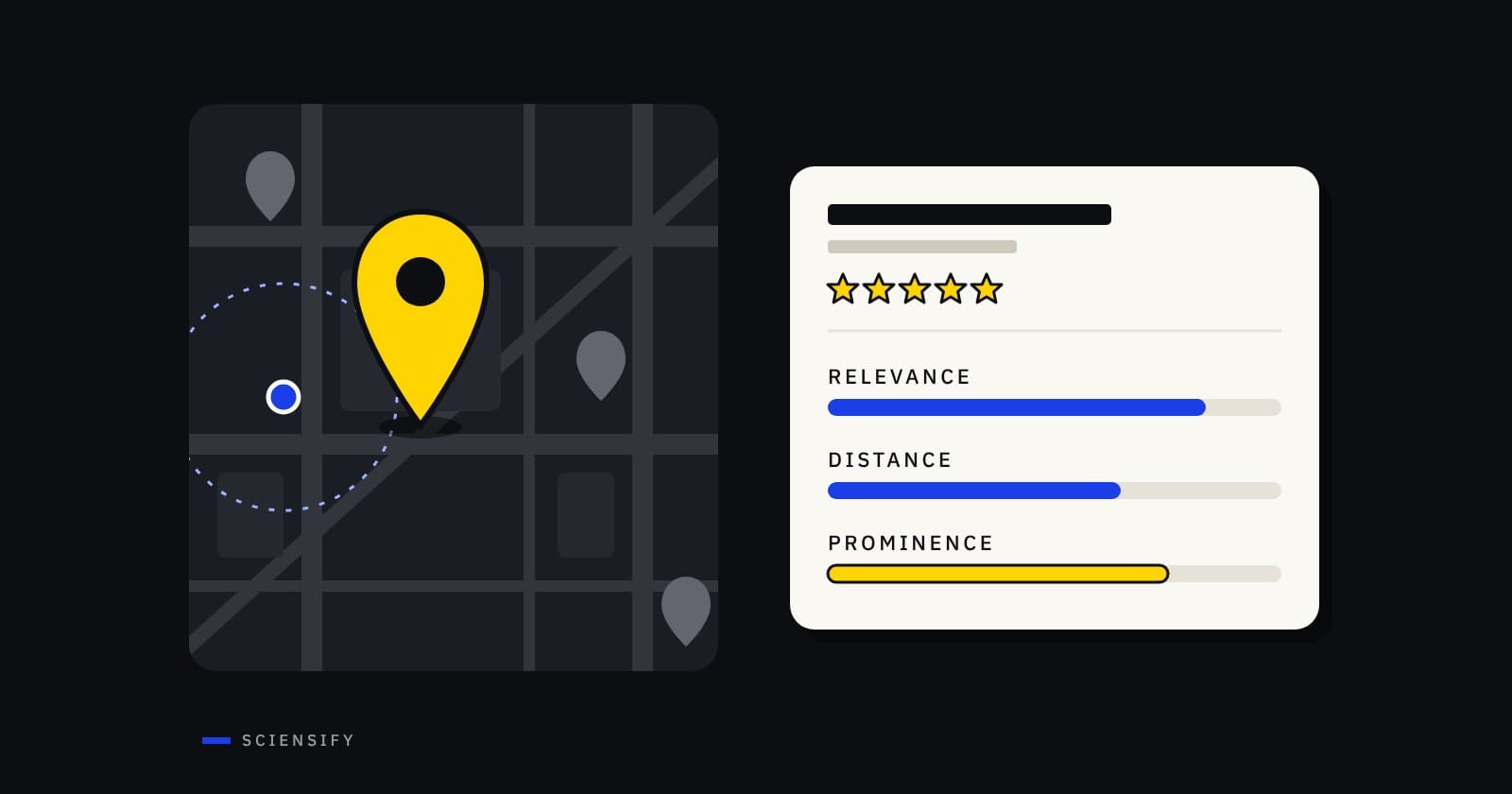
How ranking works. Google's local ranking page says results are mainly based on relevance (how well your profile matches the search), distance (how far you are from the searcher) and prominence (how well known you are, which the page also calls popularity). It says prominence draws on things like links to your business and your reviews, and that there is no way to request or pay for a better local ranking.
What the guidelines forbid. Your business name must match your real world name. Adding taglines, service keywords, locations or phone numbers to it is not permitted and can get the profile suspended. P.O. boxes and virtual offices are not acceptable addresses, and you should not create more than one profile per location. If you serve customers at their homes and work from your house, Google says to hide your address and set a service area.
2. Claim your Apple Maps listing
Apple Business Connect is now part of Apple Business, which combines it with Apple Business Manager and Apple Business Essentials. Apple says your place card appears across its software, from Maps to Siri to Calendar and Messages. Your display name must match your storefront, signage or official website, with no added descriptions.
To claim an existing location, sign in to Apple Business, choose Brands > Locations, select Add Location, find your business on the map and enter its category, phone and hours. You then verify your organization, or verify by phone call where offered. If someone else already manages the listing, you can request a transfer with documents such as a business license or utility bill; Apple says review can take up to five business days.
Keep it current. Customers can report problems from your place card, and Apple may edit your name, status or hours and email you when it does.
If your customers use other map apps, search for your business in each one and correct anything that is wrong.
3. Earn reviews the honest way
Ask every customer, every time, not only the happy ones. Google suggests sharing a review link or QR code. What you must not do: Google's fake engagement policy bans paid reviews and offering payment, discounts or free goods in exchange for a review, or for changing or removing a negative one. It also bans posting on a competitor's profile to hurt it. Google may restrict a profile that breaks this policy, for example by blocking new reviews for a period or showing a warning that fake reviews were removed.
Reply to reviews once you are verified. Google reviews each reply, posts it publicly and notifies the customer. Google's tips: keep replies short and polite, skip the sales pitch and never share a reviewer's private details.
If you plan anything beyond simply asking, such as a reward for referrals, have a lawyer look at it first.
4. Make your website back up your listings
One name, address and phone, everywhere. Google says your name should match what you use on your storefront, website and stationery, and that it builds profiles partly from crawled web content, such as your official website. Copy your details exactly, in the same form, on your site, listings and social pages.
A clear page for each service and each location. Google's guidelines ask for a phone number or a website that represents your individual business location. As practical advice, give every main service and every location its own page that says what you do, where, and how to book.
Fast on phones. Search Console's Core Web Vitals report shows how your pages perform for real visitors, with separate results for mobile and desktop.
Structured data. Ask your web developer whether your site uses LocalBusiness structured data, a standard way of describing a business in the page code. Google's Rich Results Test checks your markup, tests as a smartphone by default and supports the standard formats. Run it after any change.
5. Show up in AI answers
Google describes AI Overviews as an AI generated snapshot with key information and links, shown when its systems decide it helps, such as pulling together information from a range of sources. Google also says it shows Business Profile information on third party websites and apps.
We will not guess at how any AI product picks businesses. The practical view: assume AI answers and chat assistants draw on the same public material as everyone else, meaning your website, your listings and your reviews. If those are complete, consistent and current, you have done the work that is in your control.
- Day 1Claim your Google profile and request verification
- Day 2Set primary category, hours and holiday hours
- Day 3Add photos, services and a first post
- Day 4Claim your Apple Business location
- Day 5Match name, address and phone on your website
- Day 6Run the Rich Results Test on your site
- Day 7Ask every customer for a review
6. A 30 minute weekly routine
- 10 minutes: read and reply to new reviews on Google and elsewhere.
- 5 minutes: check hours on Google and Apple, and add special hours for upcoming holidays.
- 10 minutes: add one post and a few fresh photos.
- 5 minutes: search your business on Google Maps and Apple Maps as a customer would, and fix anything wrong.
One page checklist
- Google Business Profile claimed and verified
- Specific primary category, as few extra categories as needed
- Regular hours plus special hours for holidays
- Business name exactly as on your sign, with no keywords added
- Real street address, or a hidden address with a service area
- Photos, services or products, and a recent post
- Apple Business location claimed and verified
- Same name, address and phone on your website and every listing
- One page per main service and per location
- Core Web Vitals report checked for mobile
- Structured data added and tested
- A review link or QR code shared with customers, no incentives offered
- Every review answered politely
If you would rather have help, Sciensify's team builds websites for small businesses; you can reach us here.
Sources
- Add or claim your Business Profile
- Verify your business on Google
- Manage your business category
- Guidelines for representing your business on Google
- How to set Special hours
- Manage your Business Profile photos and videos
- Manage your services on your Business Profile
- Create and manage posts on your Business Profile
- Changes to Google Business Profile chat and call history
- Tips to improve your local ranking on Google
- Tips to get more reviews
- Manage customer reviews
- Business Profile restrictions for policy violations
- Prohibited and restricted content
- Understand how Google sources and uses info in Business Profiles
- Core Web Vitals report
- Rich Results Test
- Find information with AI Overviews in Google Search
- Apple Business Connect is now Apple Business
- Configure location attributes in Apple Business
- Add a single location in Apple Business
- Maintain location information accuracy with Apple Business